1. What is HDMI?
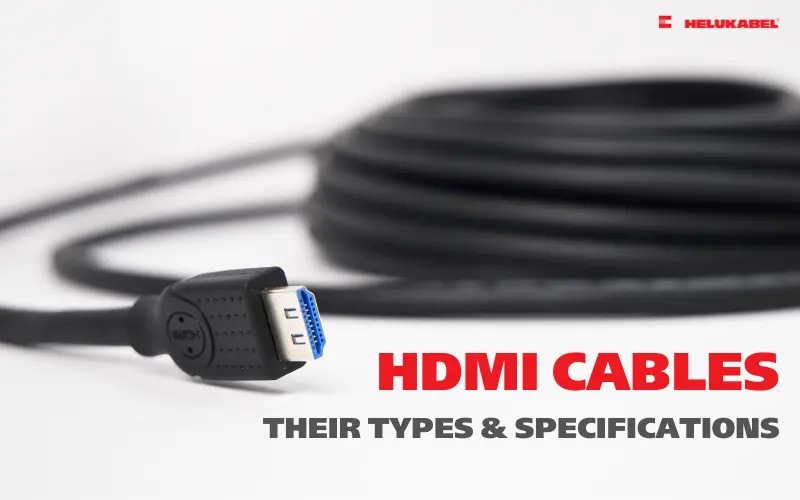
HDMI stands for High-Definition Multimedia Interface, a standard for transmitting high-quality audio and video signals. This standard was developed by Hitachi, Matsushita, and Sony to replace analog audio/video cables such as DVI connectors, which are still used in some applications.
Currently, HDMI is a popular connection standard for consumer electronics, including televisions, game consoles, and Blu-ray players. It is also used in some professional applications such as projectors and cameras. The main difference between HDMI cables and other types of cables is that they can transmit both uncompressed digital audio and video signals over a single cable.
2. Structural characteristics of HDMI cables
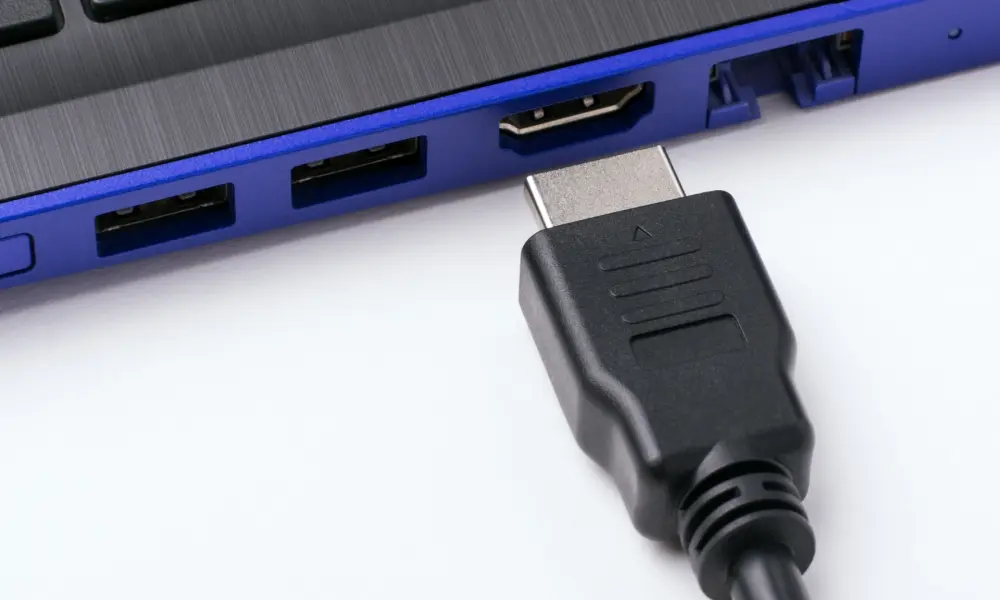
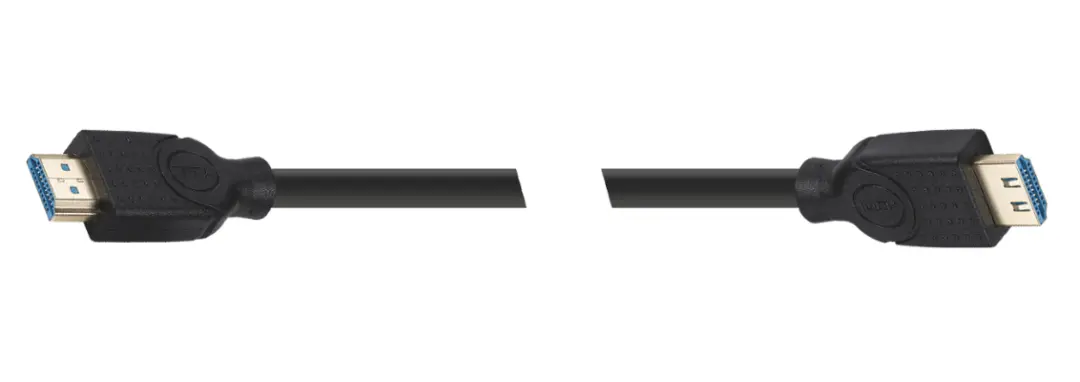
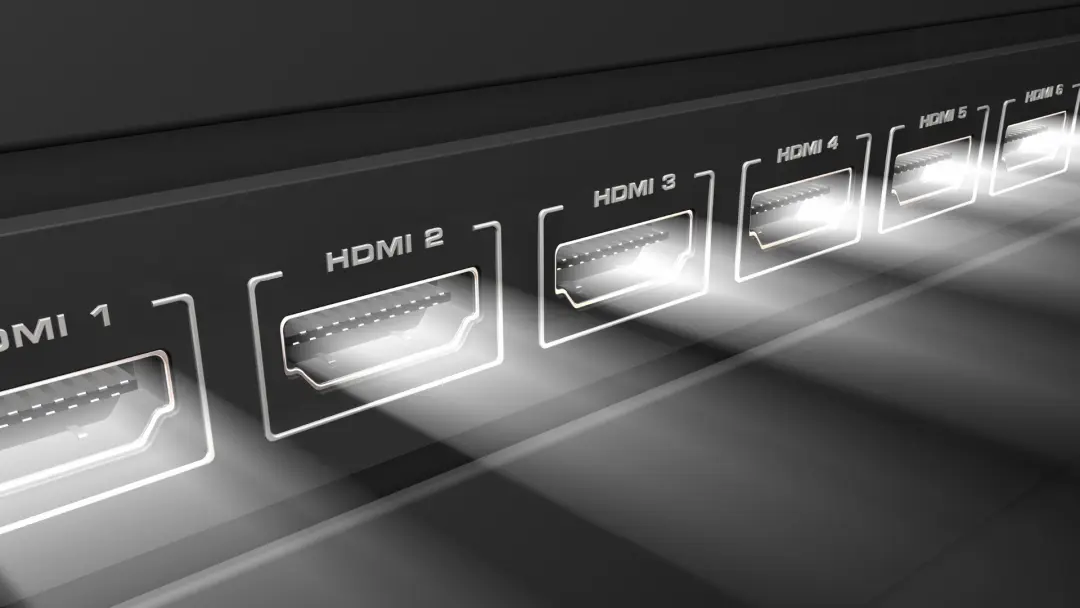
A standard HDMI connector has 19 pins arranged in two rows, each with a distinct function in signal transmission. This unique design gives the HDMI port its slim and flat shape. Depending on the type and quality, HDMI cables can come in various colors, lengths, thicknesses, and materials.
In fact, HDMI cables are made from a variety of materials, from plastic to copper and fiberglass. The cheapest and easiest-to-use HDMI cables are made of plastic, but they are also the least durable and can degrade over time. This type of cable is only suitable for infrequent use or in fixed locations that don't require much movement.
3. Applications and benefits of using HDMI cables
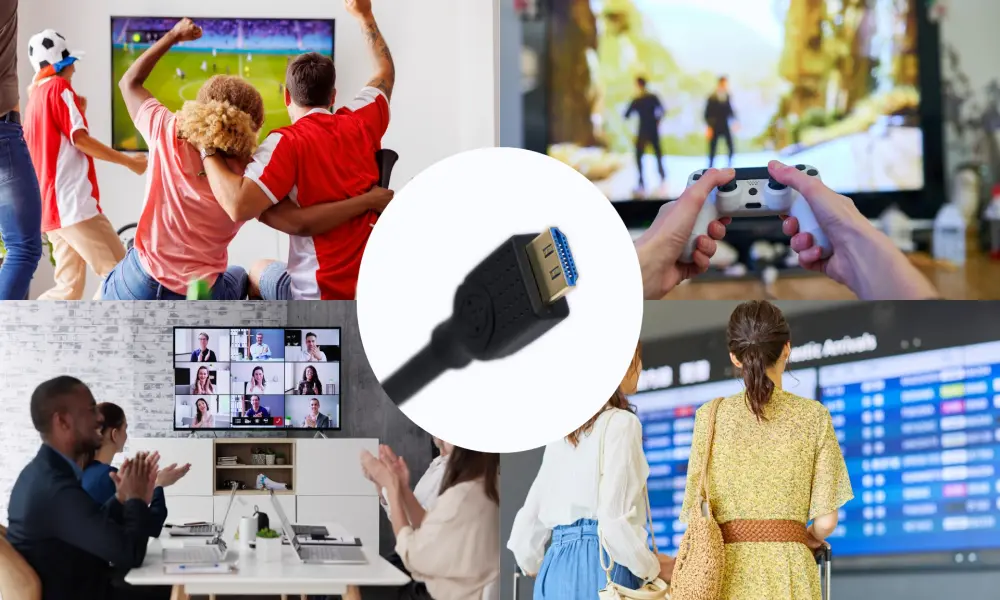
Offering superior advantages over older connection standards, HDMI cables are now widely used in many fields, from home to professional settings, including connecting home entertainment systems (TVs, soundbars, media players), gaming (consoles, gaming PCs), office work (computers to monitors, projectors), and professional AV systems in conferences, events, and education.
HDMI cables ensure crisp, realistic images and sound without any loss of quality. At the same time, the ability to transmit audio and video simultaneously minimizes the number of cables needed, significantly optimizing space. Furthermore, HDMI cables support advanced technologies such as HDCP (digital content copyright protection), CEC (multiple device control via a single remote), ARC (audio output from TV to speakers), and HDR (high dynamic range for more vivid images).
Additionally, HDMI is backward compatible with analog connections (as long as both devices support them), meaning older devices can be connected to newer ones without adapters. This makes system upgrades, such as gaming systems, easy: simply connect the HDMI cable from the old device to the HDMI port on the new device.
4. Classification of HDMI cable types
To make choosing an HDMI cable easier, you can base your decision on the following classifications:
4.1. By HDMI port types
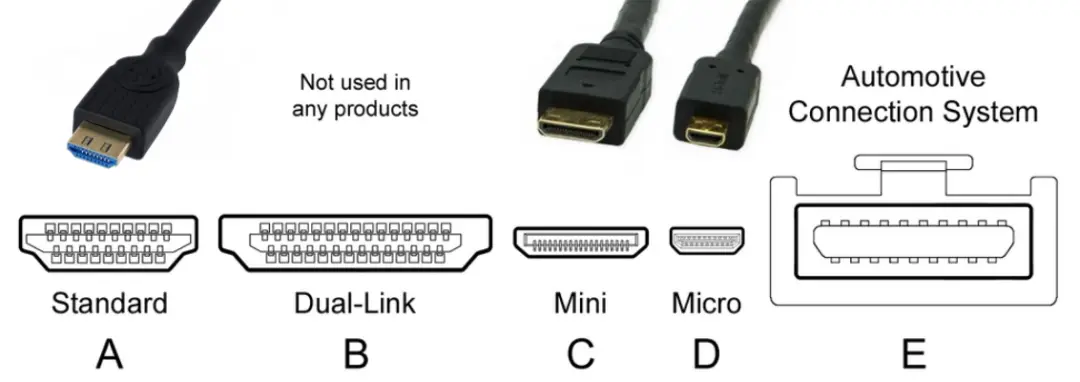
Basically, HDMI cable connectors are divided into the following types:
Type A (Standard HDMI): This is the most common type of HDMI connector, used for most devices and computers. It's also the largest size, typically used for connecting to TVs or computer monitors.
Type B (Dual-Link HDMI): The Type B connector is designed for transmitting dual-link DVD-I video. Type B offers similar functionality to Type A but has only 15 pins instead of 19. Currently, this type is not used in any common consumer products.
Type C (Mini HDMI): This type of HDMI is much more compact than Type A, thus saving more space than usual while still providing full 4K resolution at 60 frames per second.
Type D (Micro HDMI): HDMI Type D ports optimize space utilization with a cross-sectional area 72% smaller than Type A connectors and incorporate all 19 pins. However, it's rare to find a product requiring a Type D HDMI connector; if one does, your device almost certainly already has this type.
Type E (Automotive Connection System): Type E is used to connect video output devices to the car's entertainment system or screen. It's almost identical to Type A, but includes an additional locking mechanism to prevent the cable from becoming loose due to vibrations, and also helps prevent moisture and dust from affecting the signal.
4.2. According to HDMI standards
HDMI was first released in 2002 with version 1.0 and has been updated numerous times over the years, most recently to version 2.2, released in 2025 at the Consumer Electronics Show (CES) 2025. Through generations, the HDMI standard has been continuously upgraded, as detailed below:
| Version no. | Designation | Year | Max. resolution and refresh rate | Max. bandwidth | HDR | Audio support |
| 1.0 | Standard HDMI | 2002 | 1080p@60Hz | 4,95 Gbps | No | 8 audio channels |
| 1.1/ 1.2 | Standard HDMI | 2005 | 1440p@30Hz | 4,95 Gbps | No | DVD-Audio, One-Bit-Audio |
| 1.3/ 1.4 | High Speed HDMI | 2009 | 4K@30Hz | 10,2 Gbps | No | ARC, Dolby TrueHD, DTS-HD |
| 2.0 | Premium High Speed HDMI | 2013 | 4K@60Hz 5K@30Hz | 18 Gbps | Yes | HE-AAC, DRA, 32 audio channels |
| 2.1 | Ultra High Speed HDMI | 2017 | 4K@120Hz 8K@60Hz | 48 Gbps | Yes | eARC |
| 2.2 | Ultra High Speed HDMI | 2025 | 4K@480Hz 8K@240Hz 10K@120Hz 12K@120Hz 16K@60Hz | 96 Gbps | Yes | eARC |
5. The formats and devices that HDMI cables support
HDMI cables support a wide range of resolutions and frame rates, meaning you can connect almost any device to a TV with an HDMI port. For example, the current standard for HD is 1080p/60Hz (1920x1080 pixels at 60 frames per second), while the latest 4K UHD TVs support 3840x2160 pixels at 60Hz (or 4096x2160p/24Hz).
Similarly, HDMI cables also support various audio formats: PCM, Dolby Digital, or DTS, as well as many video formats: 8K Ultra HD (7680x4329p), 4K Ultra HD (3840x2160p), 3D video with active or passive glasses, Full HD 1080p (1920x1080) resolution, and HD 720p (1280x720) resolution.
6. Tips for choosing the right HDMI cable
When choosing an HDMI cable, you need to consider the following factors:
- HDMI version: Choose the version that suits your device and needs (TV connection, gaming, event hosting, etc.)
- Cable length: The longer the cable, the more susceptible the signal is to attenuation. For cables longer than 10m, it's advisable to choose a type with signal amplification technology or use fiber optic cable.
- Material quality: Pure copper conductors, gold-plated connectors, and a good shielding layer will ensure durability and stable transmission quality.
- Certification: Look for products with genuine HDMI certification to ensure compatibility and performance.
- Design: Flexible cables with a small bending radius are easier to install in confined spaces.
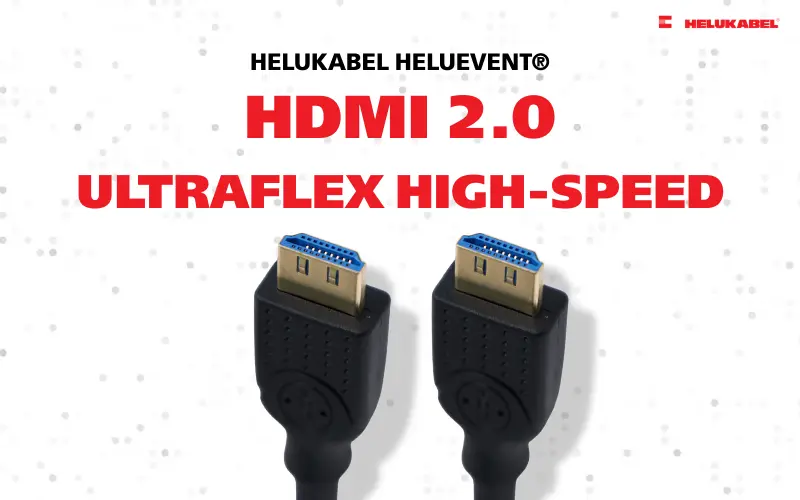
7. HELUKABEL HELUEVENT® HDMI 2.0 UltraFlex High-Speed Cable
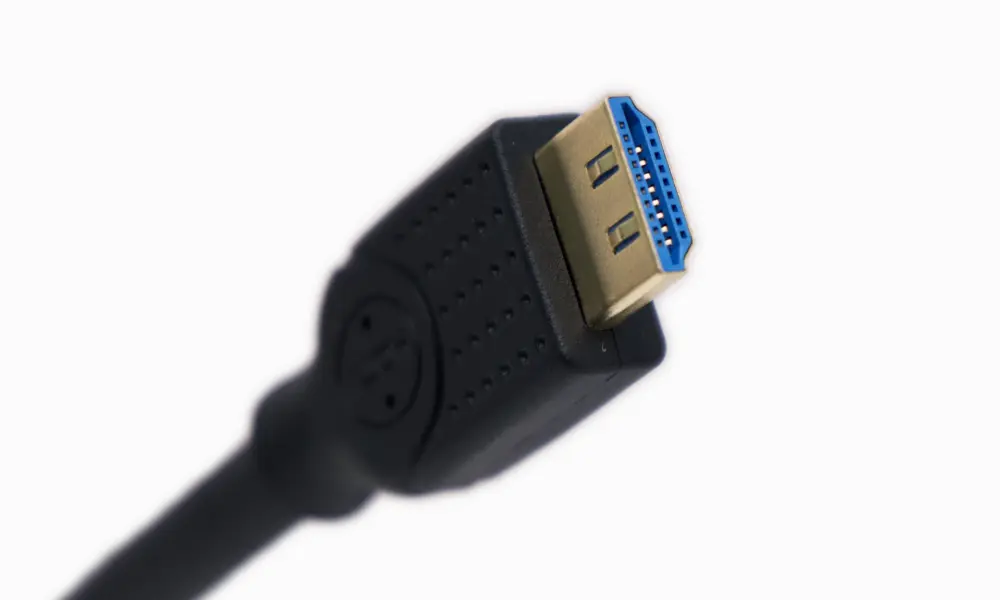
HELUKABEL HELUEVENT® HDMI 2.0 UltraFlex High-Speed Cable is a solution for transmitting high-quality audio and video signals, specifically designed for professional and home multimedia applications. With superior data transmission capabilities and resolution support, it meets all modern connectivity needs.
7.1. Key specifications
Connection and transmission
· HDMI standard: 2.0 for superior image quality
· Data transmission: Up to 18 Gbps
· Image transmission:
o 0.5 - 7.5m: 4K / 60 Hz
o 10 - 20m: 4K / 30Hz
· Ratio: 21:9 (Ultra-wide)
· Audio: 32 channels, 1536 kHz
Cable structural characteristics
· Conductor: Copper, ensuring optimal conductivity
· Screen: Multi, effectively reducing interference
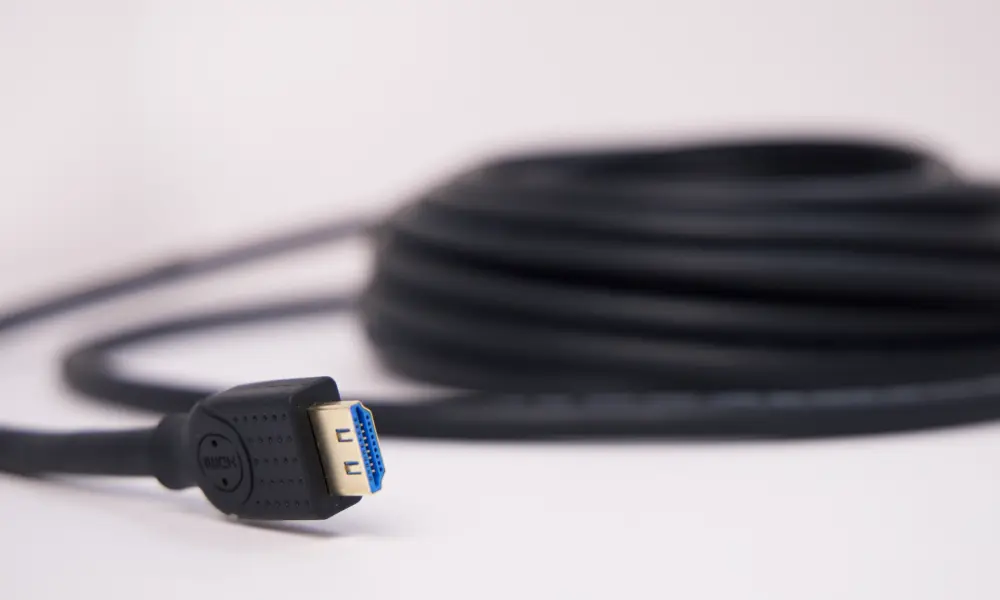
· Sheath: UltraFlex - super flexible and durable
· Sheath color: Black
· Outer diameter:
o 0.5 - 5m: approx. 7.8 mm
o 7.5 - 10m: approx. 8.0 mm
o 15 - 20m: approx. 9.0 mm
Connector structural characteristics
· Connector type: 2x HDMI-A
· Housing structure: Screened, gold-plated
· Contacts: Gold-plated
· Strain relief: Ergonomic
Operating characteristics
· Bending radius: 90°, providing high flexibility during installation
· Operating temperature: 0°C to +60°C
· Tractive force plugs: up to 3kg
7.2. Common applications
HELUKABEL HELUEVENT® HDMI 2.0 UltraFlex High-Speed Cable is suitable for a wide range of uses:
Public environments
· Conference rooms
· Train stations, airports
· Events and exhibitions
· Public screening areas
· …
Family and entertainment
· Home movie systems
· TVs or monitors
· Console games (PlayStation, Xbox, Nintendo Switch)
· Streaming and multimedia devices
· …
7.3. Benefits of use
HELUKABEL HELUEVENT® HDMI 2.0 UltraFlex High-Speed Cable delivers a crisp 4K image experience with a high refresh rate, suitable for all content from movies and games to professional presentations. Its ability to transmit 32 channels of audio with a sampling rate of 1536 kHz perfectly meets the needs of high-end surround sound systems.
Furthermore, the abrasion-resistant UltraFlex sheath combined with anti-oxidation gold-plated connectors ensures superior durability. The flexible design with a 90° bending radius allows for flexible installation in confined spaces. In particular, the multi-layered cable and the screened connector housing ensure stable, uninterrupted signal transmission.
7.4. Guide to choosing the appropriate length
HELUKABEL HELUEVENT® HDMI 2.0 UltraFlex High-Speed Cable is sold in lengths of 0.5m, 1m, 2m, 3m, 5m, 7.5m, 10m, 15m, and 20m. It is recommended to choose as follows:
· 0.5 - 3m: Suitable for connecting devices close together, such as game consoles to TVs, laptops to monitors
· 5 - 7.5m: Ideal for home theater systems and small meeting rooms
· 10 - 15m: Suitable for large conference rooms and events
· 20m: A solution for long distances and fixed installations
HELUKABEL is a leading European brand of connection cables with nearly 50 years of experience. Each of our products undergoes rigorous quality testing, ensuring optimal performance and durability. Our genuine HELUKABEL HDMI 2.0 products guarantee perfect compatibility with all HDMI devices on the market. For more information about HELUKABEL HELUEVENT® HDMI 2.0 UltraFlex High-Speed Cable, please contact us HELUKABEL Vietnam for detailed advice.
Order via HELUKABEL Vietnam E-store
Frequently asked questions about HDMI cables
Yes, HDMI 2.0 cables are fully backward compatible with older HDMI versions such as HDMI 1.4, 1.3, and earlier standards. You can use an HDMI 2.0 cable to connect to any device with an HDMI port; however, performance will be limited by the device with the lowest HDMI standard in the system.
Absolutely, as long as your laptop has an HDMI port. If your laptop only has USB-C or Thunderbolt ports, you'll need an HDMI adapter. An HDMI cable allows you to project your laptop screen onto a TV to watch movies, play games, or give presentations with the best possible picture and sound quality.
Standard HDMI cables support a maximum resolution of 1080i and a bandwidth of 4.95 Gbps, suitable for basic applications. High-speed HDMI cables (such as HDMI 2.0) support 4K, 3D, and Deep Color with bandwidths up to 18 Gbps, meeting the needs of modern entertainment and work. Always choose high-speed cables for 4K devices and modern home systems.
If your TV only supports Full HD (1080p), an HDMI 1.4 cable is sufficient for your current needs. However, investing in an HDMI 2.0 cable is a smart choice for the future when you upgrade your TV to 4K or connect to newer devices. HDMI 2.0 cables still work perfectly with Full HD TVs and are ready for future upgrades.
Yes, cable length can affect signal quality. With standard HDMI cables, lengths under 10m usually don't cause problems. However, longer cables can cause signal degradation if they are not of good quality.
You don't necessarily need to choose the most expensive cable, but you should choose one from a reputable brand with genuine HDMI certification. A good quality cable should have pure copper conductors, gold-plated connectors, and effective shielding.
HDMI is superior to VGA in many aspects and is a better choice for modern devices. VGA is an analog connection standard that originated in 1987, only transmitting video signals with a maximum resolution of Full HD (1920x1080) and does not support audio; moreover, image quality is easily affected by interference and degrades with long cables.
Signs of a damaged HDMI cable include: flickering or intermittent signal loss, strange dots or lines appearing on the screen, no or intermittent audio signal, and inaccurate or distorted color display.
HDMI cables don't require special maintenance, but you should keep a few things in mind: avoid stretching or putting heavy pressure on the cable, keep the connectors clean and avoid contact with dust and dirt, unplug the cable by holding the connector instead of pulling the wire, and store the cable in a dry place when not in use. Proper storage will help the cable maintain optimal performance for many years.
Common scenarios include: laptops or tablets with only USB-C or Thunderbolt ports needing to connect to an HDMI TV/monitor, older Apple devices with Lightning ports wanting to output images to a large screen, computers with DisplayPort or Mini DisplayPort ports needing to connect to an HDMI device, or when you want to convert a signal from VGA/DVI to HDMI. Remember to choose a high-quality adapter and ensure it's compatible with the resolution you need to use.
HDMI cable prices vary widely in the market depending on brand, quality, length, and HDMI version. Inexpensive HDMI cables can cost around 50,000 - 150,000 VND for a length of 1-2 meters. Mid-range quality HDMI cables from reputable brands typically cost around 200,000 - 500,000 VND.
To ensure you purchase a genuine HDMI cable of the highest quality, you should choose official and reputable distribution channels. The HELUKABEL UltraFlex HDMI 2.0 cable is currently available at official stores on major e-commerce platforms in Vietnam such as Tiki, Shopee, Lazada, and the Zalo Mini App.